Mean Calculator
Quickly calculate the arithmetic mean of a list of numbers.
Mean Calculator: Find the Average of Numbers Online
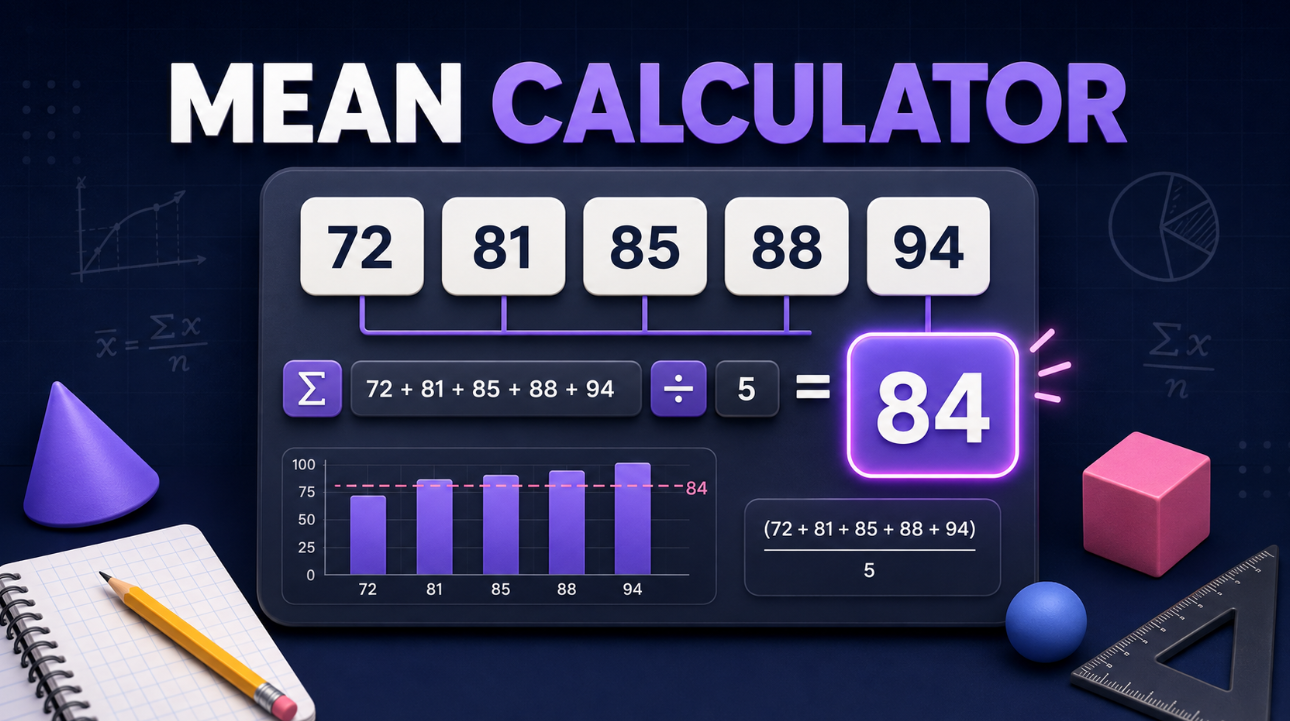
Use this Mean Calculator to quickly find the arithmetic mean, also called the average, of a list of numbers. Paste values from Excel, Google Sheets, homework questions, surveys, test scores, experiments, prices, or any other dataset. The calculator shows the mean along with the sum, count, median, mode, minimum, maximum range, and easy-to-follow calculation steps.
You can enter whole numbers, decimals, negative numbers, repeated values, and values separated by commas, spaces, tabs, or new lines.
What is the mean?
The mean is the total of all values divided by how many values there are.
Mean = Sum of all values ÷ Number of values
For example, find the mean of:
6, 8, 10, 12
First, add the numbers:
6 + 8 + 10 + 12 = 36
Then divide the sum by the number of values:
36 ÷ 4 = 9
The mean is 9.
How to use this mean calculator
- Paste or type your numbers into the data box.
- Separate values with commas, spaces, tabs, semicolons, or line breaks.
- Select how many decimal places you want to display.
- Choose standard mean, weighted mean, or frequency mean if needed.
- Review the mean, sum, count, and calculation steps.
The calculator keeps repeated values in the calculation. For example, 2, 2, 4, 4 contains four values, not two.
Calculate the average of test scores
A common use for an average calculator is checking test scores.
Suppose the scores are:
72, 81, 85, 88, 94
Add the scores:
72 + 81 + 85 + 88 + 94 = 420
There are five scores:
420 ÷ 5 = 84
The arithmetic mean is 84.
Mean of decimal and negative values
The mean calculator also works with decimals and negative values.
For example:
1.5, 2.5, 3.5
1.5 + 2.5 + 3.5 = 7.5
7.5 ÷ 3 = 2.5
The mean is 2.5.
For negative values:
−5, 0, 5
−5 + 0 + 5 = 0
0 ÷ 3 = 0
The mean is 0.
Weighted mean calculator
A weighted mean gives some values more influence than others. This is often useful for grades, investment returns, survey scores, or categories with different importance.
For example, suppose an assignment counts for 20%, a test counts for 30%, and a final exam counts for 50%:
- 80 with a weight of 20
- 90 with a weight of 30
- 95 with a weight of 50
The weighted mean is calculated by multiplying each value by its weight, adding the results, and dividing by the total weight.
The calculator can handle this automatically when you select Weighted mode.
Mean from a frequency table
Use Frequency mode when a number appears multiple times and you know the number of occurrences.
For example:
- 2 appears 3 times
- 4 appears 2 times
- 6 appears 1 time
Instead of writing 2, 2, 2, 4, 4, 6, enter each value with its frequency. The calculator multiplies each value by its frequency, finds the total, and divides by the total frequency.
Mean vs. median vs. mode
These three statistics describe data differently:
- Mean: The average of all values.
- Median: The middle value after the data is arranged in order.
- Mode: The value that appears most often.
For example, in the dataset 2, 3, 3, 4, 20, the mean is influenced by the unusually high value of 20. The median may better represent the typical value in this situation.
How outliers affect the mean
An outlier is a value that is much higher or lower than the rest of the dataset. Since the mean uses every value, an outlier can noticeably change the average.
For example:
70, 72, 75, 78, 200
The value 200 raises the mean substantially, even though most values are close to the 70s. When a dataset has extreme values, compare the mean with the median before making a conclusion.
Mean calculator FAQs
Can I paste numbers from Excel or Google Sheets?
Yes. The calculator detects numbers separated by commas, spaces, tabs, and line breaks, making it easy to paste a column or row from a spreadsheet.
Are blank values included?
No. Blank spaces are ignored. Invalid text entries are identified so you can check what was skipped.
Can I calculate a mean with repeated values?
Yes. Every repeated value is included. For example, the mean of 2, 2, 4, 4 is calculated from all four values.
Does this tool round the answer?
You can choose the number of decimal places. The tool labels displayed decimal answers as rounded while keeping the calculation transparent.
What is the difference between mean and average?
In most everyday math and statistics questions, “average” usually means the arithmetic mean: add the values and divide by the number of values.