Superscript
Useful for powers, ordinals, and notes.
Turn text into unicode subscript (ₓ₂) or superscript (ˣ²) you can paste anywhere.
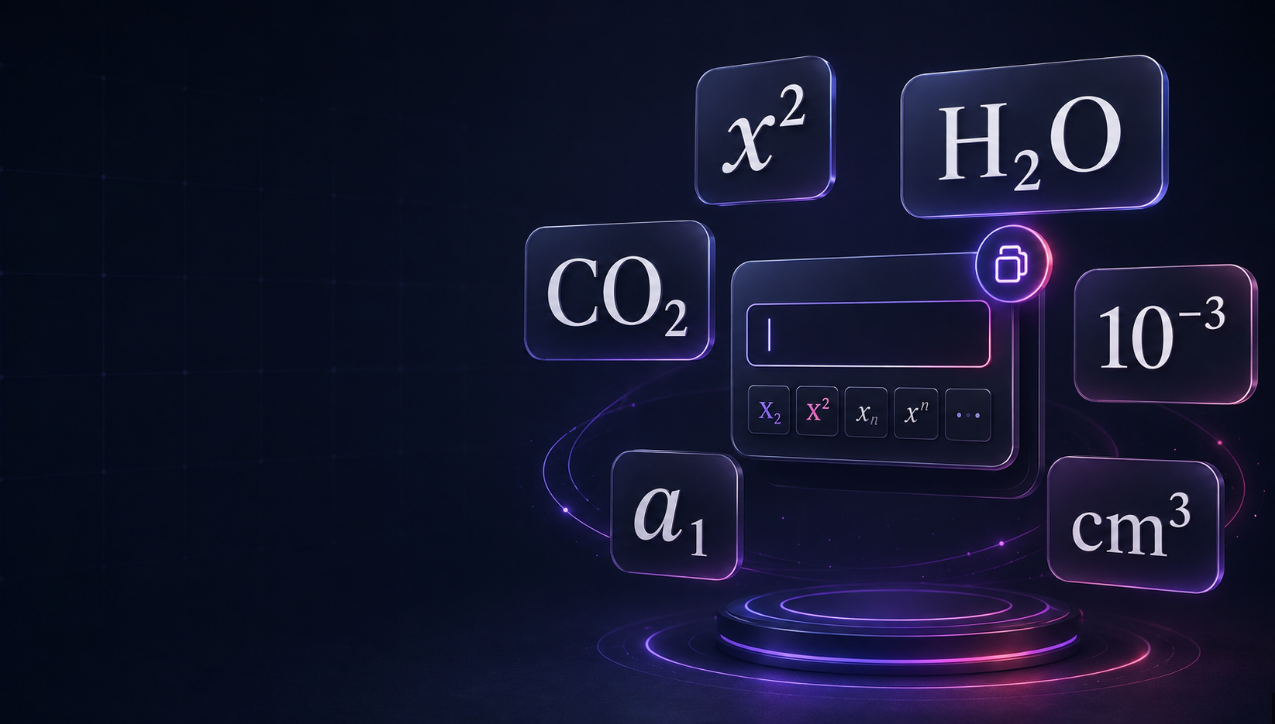
Turn regular text into copyable Unicode subscript and superscript characters in seconds. Use this free subscript and superscript text generator for simple math expressions, chemical formulas, units, reference numbers, social media captions, usernames, and short notes.
Enter your text, then copy the subscript or superscript version you need. For example, convert x2 into x², H2O into H₂O, CO2 into CO₂, or 10-3 into 10⁻³.
The tool converts available characters while keeping unsupported characters visible. This helps you avoid copying inaccurate replacements.
Superscript text uses smaller characters raised above the normal text line. It is commonly used for powers, ordinals, references, and scientific notation.
Common examples include:
Superscript characters are useful when you need simple notation in a place where a normal keyboard does not provide a quick formatting option.
Subscript text uses smaller characters positioned below the normal text line. It is often used in chemistry, mathematics, science, and variable naming.
Common examples include:
Subscript is especially useful for short formulas, chemical names, units, and classroom notes.
This tool uses Unicode characters rather than visual styling. That means the converted text can usually be copied and pasted into many apps, including social platforms, chat apps, document editors, and website fields.
You can use the output for:
Always test the final text on the platform where you plan to publish it. Some fonts, apps, and older devices may display certain Unicode characters differently.
Unicode does not include a complete subscript or superscript alphabet. Numbers and common mathematical signs have strong support, but many letters, symbols, and punctuation marks do not have an exact Unicode equivalent.
For that reason, this generator:
For example, most numbers can be converted to both subscript and superscript. However, only a limited set of letters is available in true subscript form.
Unicode subscript and superscript are useful for short, copyable text, but they are not a replacement for professional typesetting.
For websites, important documents, accessibility-focused content, or complex formulas, use proper semantic subscript and superscript formatting, an equation editor, MathML, or LaTeX where available.
Unicode text is best for short content such as:
For a long scientific equation, a research paper, or an accessible educational resource, use an appropriate equation-formatting tool instead.
| Regular text | Superscript | Subscript | Common use |
|---|---|---|---|
| x2 | x² | x₂ | Math and indexing |
| H2O | ᴴ²ᴼ | H₂O | Chemistry |
| CO2 | ᶜᴼ² | CO₂ | Chemistry |
| m2 | m² | m₂ | Area and variables |
| cm3 | cm³ | cm₃ | Volume |
| 10-3 | 10⁻³ | 10₋₃ | Scientific notation |
| 1st | 1ˢᵗ | 1ₛₜ | Ordinal styling |
| a1 | a¹ | a₁ | Variable indexing |
Decorative Unicode text can be difficult for screen readers to interpret, especially when it is used for long phrases, usernames, or full paragraphs. Keep important content in standard text where clarity matters.
For educational materials, websites, forms, and technical documents:
No. Your text is converted locally in your browser. The tool does not require an account, and it does not save your input.
Yes. Enter x2, then copy the superscript result: x².
Yes. Enter H2O or CO2, then copy the subscript output to create H₂O or CO₂.
Unicode does not provide an official subscript or superscript character for every letter. The tool leaves those characters unchanged so your text remains accurate.
Usually, yes. Unicode text can be pasted into many social media and messaging platforms. Check the result on the destination platform before publishing.
Not usually. For complex equations, use an equation editor, MathML, or LaTeX instead of copy-and-paste Unicode characters.